Automatic Synology server discovery on the active local network
Designed to work consistently across desktop and mobile, with maintainable implementation and clear documentation.
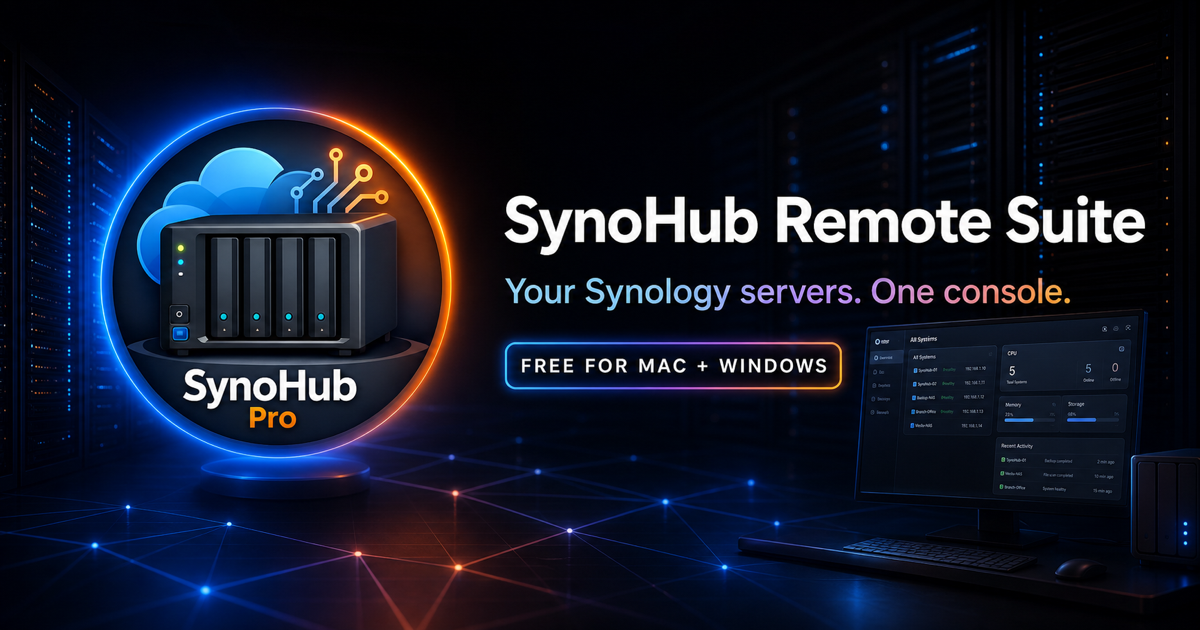
A free, local-first Synology NAS manager for Mac and Windows that brings multiple servers, files, photos, packages, Docker, users, logs and live health into one console.
Visit the official product website for the current Mac, Windows or Synology download, complete release information, checksums and installation help.
Open official site & downloads ↗SynoHub Remote Suite is a focused desktop console for discovering, connecting to and managing Synology NAS devices. It brings File Station operations, Synology Photos, media, resource monitoring, storage and drive health, packages, Docker containers, users, groups and logs into one Mac or Windows workspace. No SynoHub account or subscription is required: saved DSM credentials are encrypted locally, DSM permissions remain authoritative and the application connects directly to the server addresses configured by the user. SynoHub is an independent product and is not affiliated with Synology Inc.
Designed to work consistently across desktop and mobile, with maintainable implementation and clear documentation.
Designed to work consistently across desktop and mobile, with maintainable implementation and clear documentation.
Designed to work consistently across desktop and mobile, with maintainable implementation and clear documentation.
Designed to work consistently across desktop and mobile, with maintainable implementation and clear documentation.
Designed to work consistently across desktop and mobile, with maintainable implementation and clear documentation.
Designed to work consistently across desktop and mobile, with maintainable implementation and clear documentation.
Designed to work consistently across desktop and mobile, with maintainable implementation and clear documentation.
Designed to work consistently across desktop and mobile, with maintainable implementation and clear documentation.
Version 2.1.0
• Current free Apple Silicon, Intel Mac and Windows x64 desktop release
• Unified multi-NAS workspace with File Station, Photos, system health, packages, Docker, users and logs
• Local-first authentication with locally encrypted saved DSM credentials
Yes. The current Mac and Windows releases are free to download from the official SynoHub website, with no marketplace checkout, licence key or SynoHub subscription required.
No. SynoHub connects directly to the Synology DSM addresses you configure. Saved DSM credentials are encrypted locally on your computer, and DSM permissions remain authoritative.
Use the Visit official SynoHub website button on this product page. The official page provides the current Apple Silicon, Intel Mac and Windows x64 downloads, checksums and opening guidance.
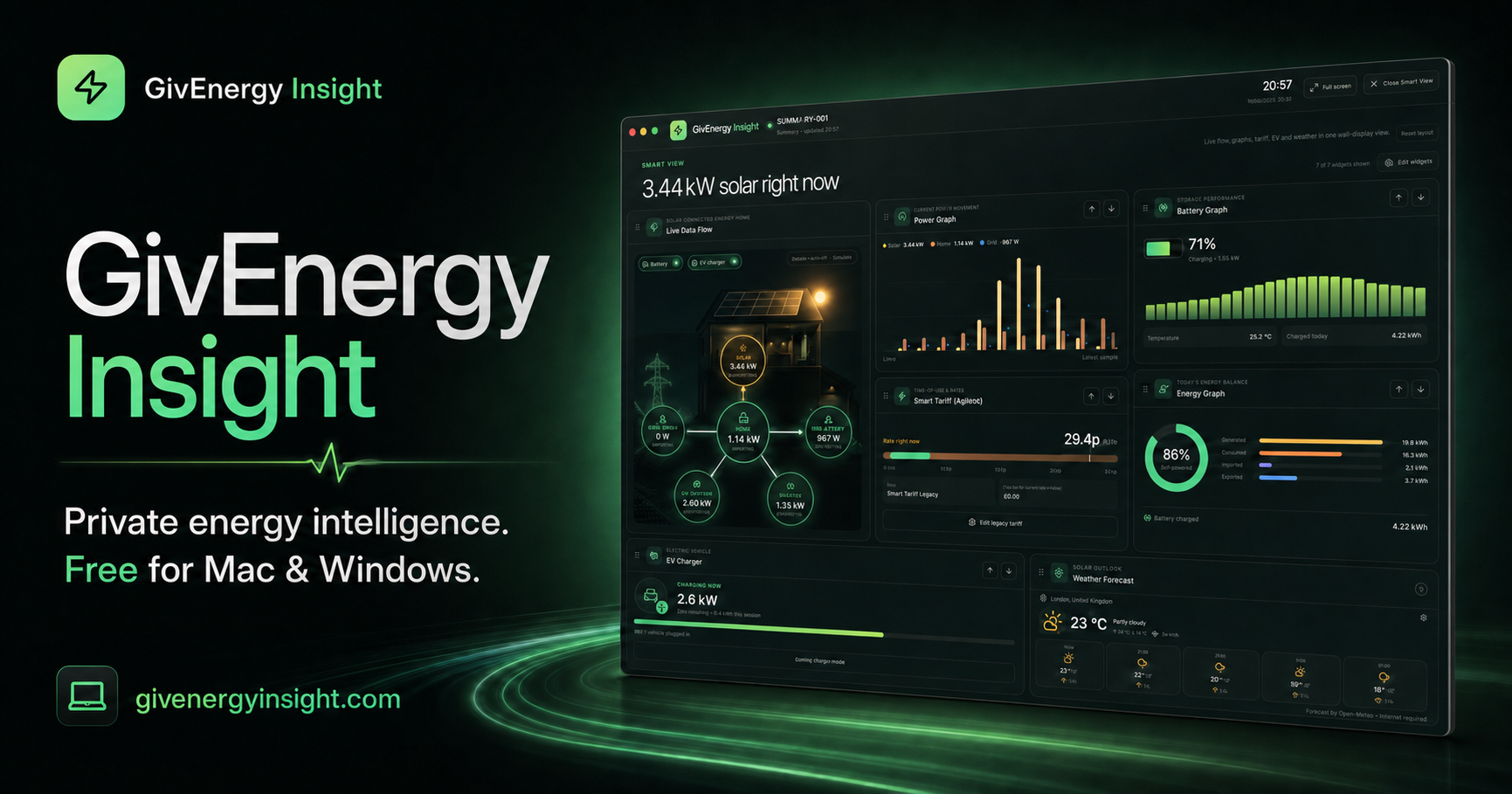
Free, private energy intelligence for compatible GivEnergy systems on Mac, Windows and Synology DSM, with local-first live monitoring and no subscription.